Do you know how to use AI tools to supercharge your organic traffic? Learning how to use chatgpt for seo keyword research is one of the fastest ways to uncover hidden search terms, map user intent, and outpace your competitors.
The digital space is incredibly competitive right now. Using the right keywords in your content is what separates sites that get traffic from sites that don't. While traditional tools cost a fortune, tools like ChatGPT and Gemini are making the keyword research process faster, smarter, and highly accessible.
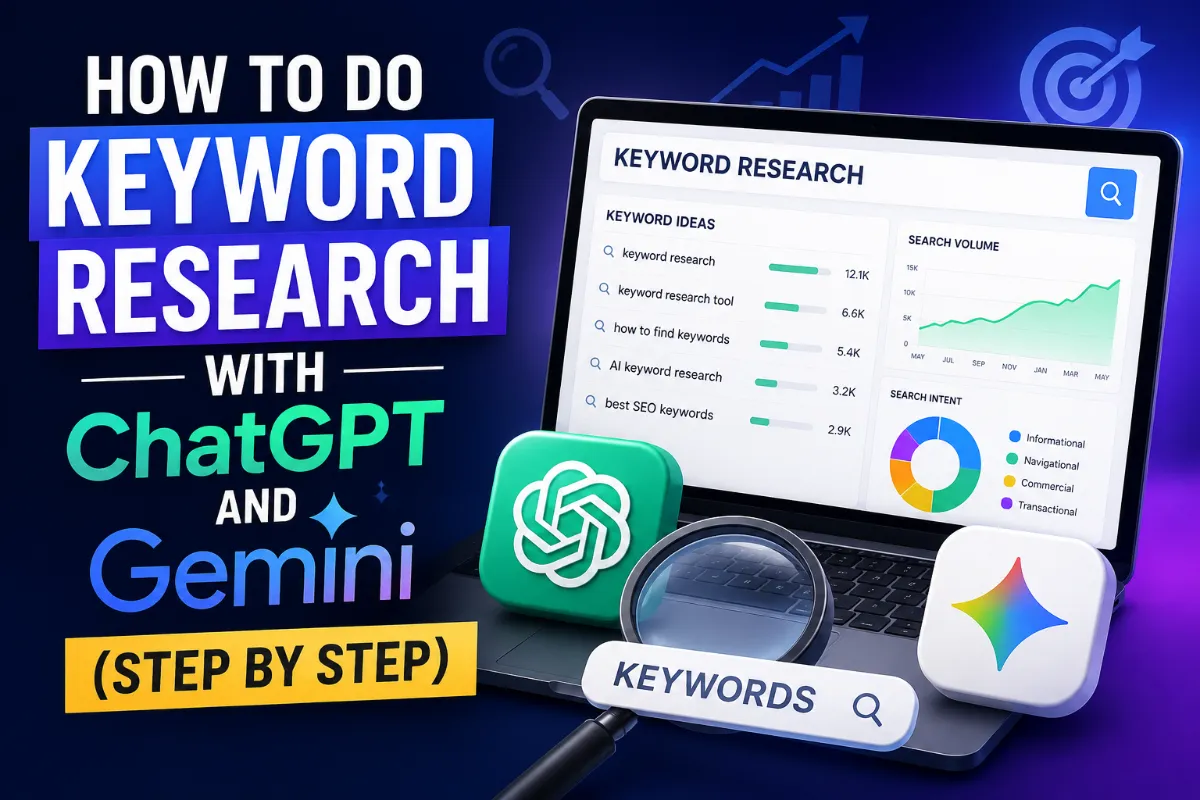
In this step-by-step guide, you'll learn exactly how to use ChatGPT for SEO keyword research, how to pair it with Google's Gemini, and the exact prompts needed to find high-yield keywords for your niche.
Quick Summary: ChatGPT excels at brain-storming topics, building user-persona semantics, and keyword clustering. Gemini adds immediate value with live search data pulling from Google's active index. Pair them together for a balanced workflow.Why Keyword Research Is the Core of Any SEO Strategy
Keyword research is not optional — it's the starting point for everything else in SEO. If you don't know what your audience is searching for, you're basically guessing.
The goal is not just to find keywords. It's to understand why people are searching for those words. That intent is what drives good content.
Why Does It Matter So Much?
When you optimize your content around the right keywords, you show up in search results that actually match what your audience wants. That means more relevant traffic, more time on page, and better conversions.
A simple example: a sports store that discovers their customers search for "running shoes for flat feet" can create a page for exactly that — and rank for it much easier than going after "running shoes" alone.
How Keyword Research Has Changed
Old-school SEO was about stuffing as many keywords as possible. That stopped working a long time ago.
Today, it's all about relevance and user intent. Tools like ChatGPT and Gemini have pushed this even further — now you can analyze intent, related queries, and content gaps in minutes instead of hours.
How AI Is Changing Keyword Research
AI has fundamentally shifted how we approach SEO research. It's not just faster — it's smarter.
Traditional tools give you numbers: search volume, CPC, competition score. AI tools give you context. They can tell you what people actually mean when they search something, what related questions they have, and what kind of content ranks for that intent.
Why ChatGPT and Gemini Are Worth Using
Here's what makes them stand out compared to traditional keyword tools:
- They process large amounts of data quickly and surface patterns you'd miss manually
- They understand search intent, not just search volume
- They give personalized suggestions based on your specific niche and audience
- They can generate content ideas alongside keyword data — all in one prompt
Before You Start: What You Need to Prepare
Don't jump straight into the prompt. A few minutes of prep here will save you a lot of back-and-forth.
Define Your Goal and Niche
Ask yourself: what do I actually want from this keyword research?
- More traffic to the site overall?
- Better rankings for specific product pages?
- Building authority in a particular topic?
Your goal changes which keywords make sense to target. And the tighter your niche definition, the more accurate the AI results will be.
Gather the Right Information
Before using ChatGPT or Gemini, have these things ready:
- Your business type and what you offer
- Your target audience (who they are, what they need)
- Your main competitors (if you know them)
- Any past keyword data or content you've already published
The more context you give the AI, the better it performs. This is not a tool you use in isolation — it works best when you feed it real information about your situation.
The Prompt That Gets You Real Results
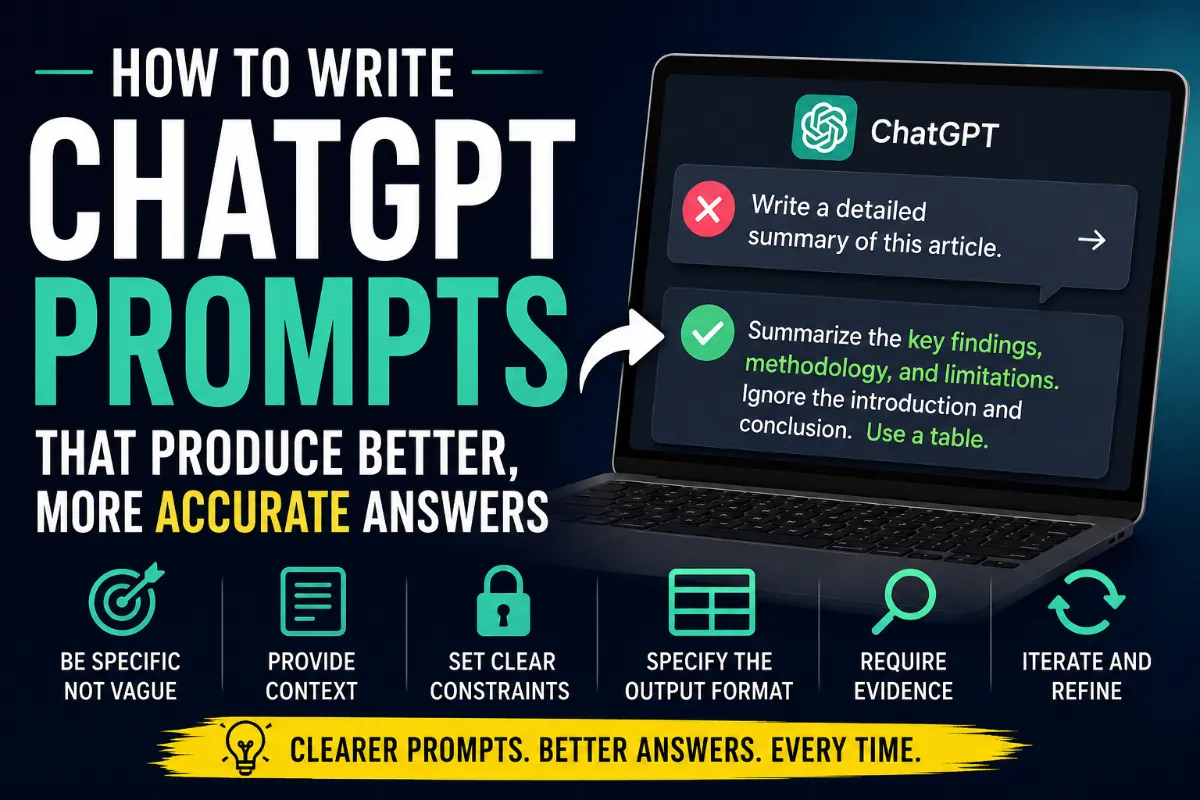
The quality of your output depends almost entirely on the quality of your prompt. A vague prompt gives vague results. A specific, structured prompt gives you something you can actually use.
Basic Structure
Keep it clear and direct. Tell the AI what you need, give it context, and specify what format you want the output in.
What to Include in Your Prompt
| Element | What to Specify | Example |
|---|---|---|
| Topic / Niche | The area you're researching | Digital Marketing |
| Keyword Type | What kind of keywords you need | Long-tail keywords |
| Additional Details | Specific constraints or focus | Related to SEO for beginners |
The Full Prompt I Use
Here's the exact prompt template you can copy and use:
I need a deep keyword research report for the following:

Keyword: [YOUR KEYWORD]
Country: [YOUR TARGET COUNTRY]
Website URL: [YOUR URL]

Please create a detailed report that includes:

- Search Intent: What is the main intent behind this keyword (informational, transactional, navigational, commercial)?
- Search Volume: Monthly search volume estimate (global + country-specific if possible)
- Trend: How has this keyword trended over the last 12 months?
- Keyword Difficulty: How hard is it to rank for this keyword?
- Related Keywords / LSI Keywords: A list of related terms people also search for
- People Also Ask: Common questions users search related to this keyword
- Long-Tail Variations: More specific, lower-competition versions of this keyword
- SERP Analysis: What type of content currently ranks for this keyword (blogs, products, videos, etc.)?
- Content Ideas: What kind of articles or pages should I create based on this research?
This prompt works well because it covers every angle you need before writing a single piece of content.
How to Use ChatGPT for SEO Keyword Research (Step-by-Step Guide)
Figuring out how to use ChatGPT for SEO keyword research isn't just about asking it to "give me keywords." It requires a structured approach that mimics what premium SEO tools do: identifying seed terms, analyzing search intent, and finding low-competition long-tail phrases.
Let's walk through the strict execution sequence to extract competitive insights.
Crucial Warning: ChatGPT does not contain an active, real-time database tracking precise search engine search volumes or click-through rates. Treat all raw search volume numbers from ChatGPT as directional concepts. Always validate its top recommendations inside a data-native environment like Google Search Console, Ahrefs, or Semrush.
Interpret the Results
Don't just take the list at face value. Look at each keyword and ask:
- Does this match my content goals?
- Can I realistically compete for this keyword?
- Does the search intent match what I'm offering?
Low-volume keywords with low competition are often the best starting point if your site is newer.
How to Do Keyword Research with Gemini (Step by Step)
Step 1: Access and Set Up Gemini
Go to gemini.google.com and log in with your Google account.
Once you're in:
- Enable advanced search options if available
- Set any filters relevant to your niche or region
Step 2: Run the Same Prompt
Use the same prompt template. Gemini tends to be more precise and pulls in more recent data, especially since it's connected to Google's search index.
Example output format you'll see:
| Keyword | Monthly Search Volume | Competition |
|---|---|---|
| Example keyword | ~1,000 | High |
| Long-tail variation | ~500 | Medium |
Step 3: Interpret the Results
Same process as with ChatGPT — look at search volume, competition, and intent together.
Quick tip: Gemini tends to give fewer but more targeted keyword suggestions. Don't treat quantity as quality here.
ChatGPT vs. Gemini: Which One Gives Better Results?
Both tools are solid, but they perform differently depending on what you're looking for.
| Criteria | ChatGPT | Gemini |
|---|---|---|
| Keyword quantity | High | Medium |
| Keyword quality | Variable | Consistently high |
| Niche relevance | Medium | High |
| Real-time data | Limited | Better (Google index) |
Use ChatGPT when: You want a large list to work from, especially for broader niches or content brainstorming.
Use Gemini when: You need precise, high-intent keywords for a specific niche, or you want fresher data.
Honestly, I use both. Run the same prompt in both tools, then compare and combine the results.
How to Refine and Improve Your Results
The first output is never the final output. Keyword research is an iterative process.
Iterate Your Prompts
If the initial results aren't quite right, adjust your prompt. You can:
- Narrow the niche ("focus only on keywords for beginner runners")
- Change the intent type ("give me only transactional keywords")
- Ask for more depth ("go deeper on long-tail variations for this keyword")
Filter Out What Doesn't Fit
Not every keyword the AI gives you is worth targeting. Remove anything that:
- Doesn't match your audience's intent
- Is too competitive for your current domain authority
- Doesn't align with what you're actually offering
Use Advanced Prompts for Deeper Research
Once you have your base list, go further with follow-up prompts like:
- "Analyze the competition for [keyword] — what kind of sites currently rank for it?"
- "Give me related search patterns for users interested in [keyword]"
- "What are synonym variations and alternate phrasings for [keyword]?"
| Technique | What It Does | Why It Helps |
|---|---|---|
| Prompt iteration | Refines your original request | More accurate results |
| Keyword filtering | Removes irrelevant suggestions | Focus on real opportunities |
| Advanced prompts | Explores specific angles | Deeper research without extra tools |
How to Actually Use the Keywords You Find
Finding keywords is only half the job. The other half is knowing how to use them.
Understand Search Intent First
Before adding any keyword to your content strategy, figure out what the person searching it actually wants.
- Informational: They want to learn something → write a guide or blog post
- Transactional: They want to buy something → optimize product/service pages
- Navigational: They're looking for a specific site → less useful for content targeting
- Commercial: They're comparing options before buying → write comparison posts or reviews
Group Keywords by Theme
Don't treat keywords as isolated words. Group them into topic clusters so your content covers subjects completely.
| Keyword | Search Intent | Theme |
|---|---|---|
| Keyword strategy | Informational | SEO |
| Keyword analysis | Informational | SEO |
| Content optimization tools | Commercial | Digital Marketing |
Put Them Into Your Content Strategy
Once grouped, use keywords naturally across your content:
- Primary keyword in the title, H1, and first 100 words
- Secondary keywords in H2s and body paragraphs
- LSI keywords and related terms throughout the content
The most important rule: write for people first, search engines second. If a keyword feels forced, it'll read that way too.
Wrapping Up
Keyword research is not complicated, but it does take a clear process. With ChatGPT and Gemini, you can get keyword data, search intent analysis, content ideas, and competitive insights all from a single well-structured prompt.
The workflow is simple:
- Define your goal and niche
- Build a solid prompt
- Run it in ChatGPT and/or Gemini
- Filter and refine the results
- Group by intent and theme
- Apply them to your content naturally
Start with one keyword, run the full process, and see what comes out. Once you've done it a couple of times, it becomes second nature — and your content will be a lot better for it.
FAQs
What is keyword research and why does it matter for SEO?
Keyword research is finding and analyzing the exact words people type into search engines. It matters because if your content doesn't match what people are searching for, it won't show up — no matter how good it is.
How to use ChatGPT for SEO keyword research effectively?
To use ChatGPT for SEO keyword research, provide the AI with a structured prompt containing your niche, target country, and competitor context. Ask it to categorize results by search intent (informational, transactional) and generate long-tail keyword variations rather than just broad phrases.
What's the difference between ChatGPT and Gemini for keyword research?
ChatGPT gives more keyword suggestions and is great for brainstorming. Gemini tends to give fewer but higher-quality, more targeted keywords. Using both together gives the best results.
How do I improve my keyword research results?
Iterate your prompts, filter out irrelevant keywords, and use follow-up prompts to dig deeper into specific angles. The first output is always a starting point, not a final answer.
How do I analyze and use the keywords I find?
Start by understanding the search intent behind each keyword. Group them by topic, then use them naturally in your content — titles, headings, body copy — without forcing it.
What is search intent and why does it matter?
Search intent is the why behind a search query. Someone searching "best running shoes" has different intent than someone searching "how to choose running shoes." Matching your content to that intent is what gets you ranked and keeps visitors on your page.
How do I group keywords by theme?
Look for patterns and relationships in your keyword list. Keywords around the same topic should be grouped together — this helps you build content clusters that cover subjects completely instead of surface-level pages scattered across your site.